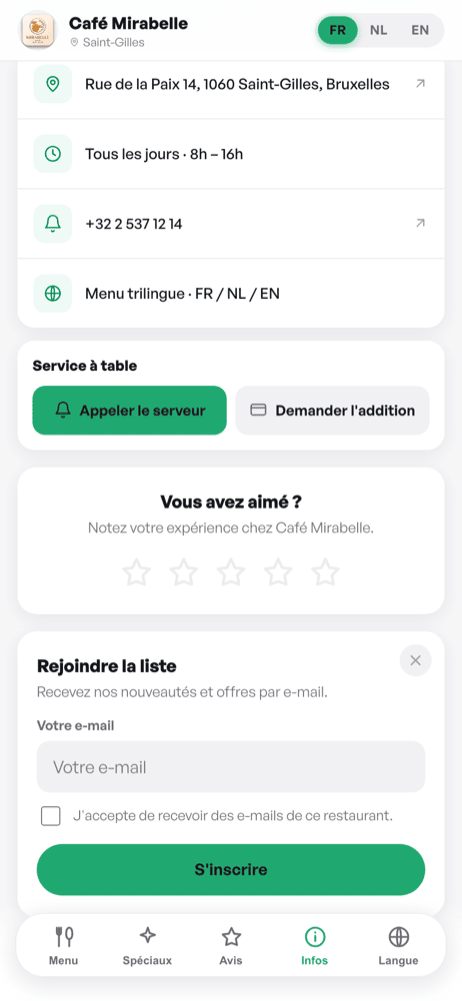
When the review invite is enabled, your guests see a “Did you enjoy?” card with a single button: leave a Google review. One tap and they are on your listing.
Why Google only
qartine keeps no rating of its own. A score that lives only in your dashboard appears nowhere — not in search results, not on your listing, and not in front of the next guest deciding between you and the place across the street. Only Google reviews count, so that is where we send your guests: all of them, whatever their experience. Filtering guests by how happy they are before sending them to Google is also against Google's own review policies.
Setting up your Google link
In the editor, open « Restaurant info » and paste your Google Place ID (a code like ChIJN1t_tDeuEmsRUsoyG83frY4) into the field provided. With this code, your menu's « Reviews » button opens the Google rating window directly. If you didn't find your Place ID, you can also paste the share link from your Google Maps listing.
Tracking your results
Your dashboard shows, under “Google reviews”, how many guests tapped the button from your menu, plus a shortcut to your Google reviews page. If your link does not open the rating form yet, a warning appears there with the link to fix it.