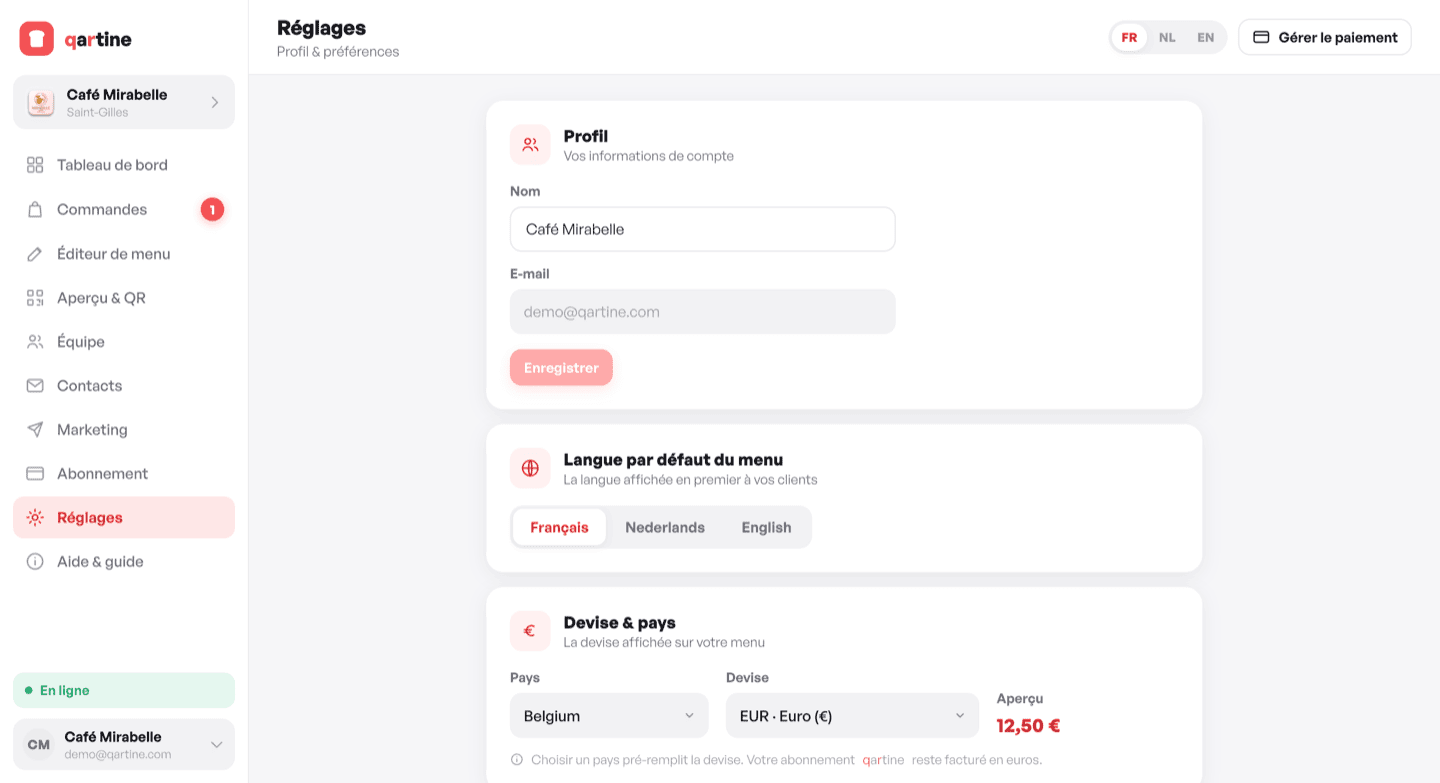
Profile
In Settings › Profile, update the display name on your account and save. Your email address is shown for information only; it cannot be changed directly from this page — contact support if needed.
Default display language
In Settings › Display language, choose the language in which your menu opens by default for your guests (FR, NL or EN). This language is also used for standard QR codes. Guests can always switch to another language via the language selector at the bottom of the menu.
Currency and country
In Settings › Currency & country, select your country and currency. Prices on your menu will be displayed in the chosen currency with the correct symbol and formatting.
Notifications
- « Weekly report » — receive a weekly summary of your menu statistics by email.
Changing your password
In Settings › Security, enter your current password then your new one (minimum 8 characters) and confirm. All your other active sessions will be signed out.
Deleting your account
In Settings › Danger zone, click « Delete account ». You will be asked to confirm. This action is irreversible: your menu, data and history are permanently deleted. Your menu goes offline immediately.