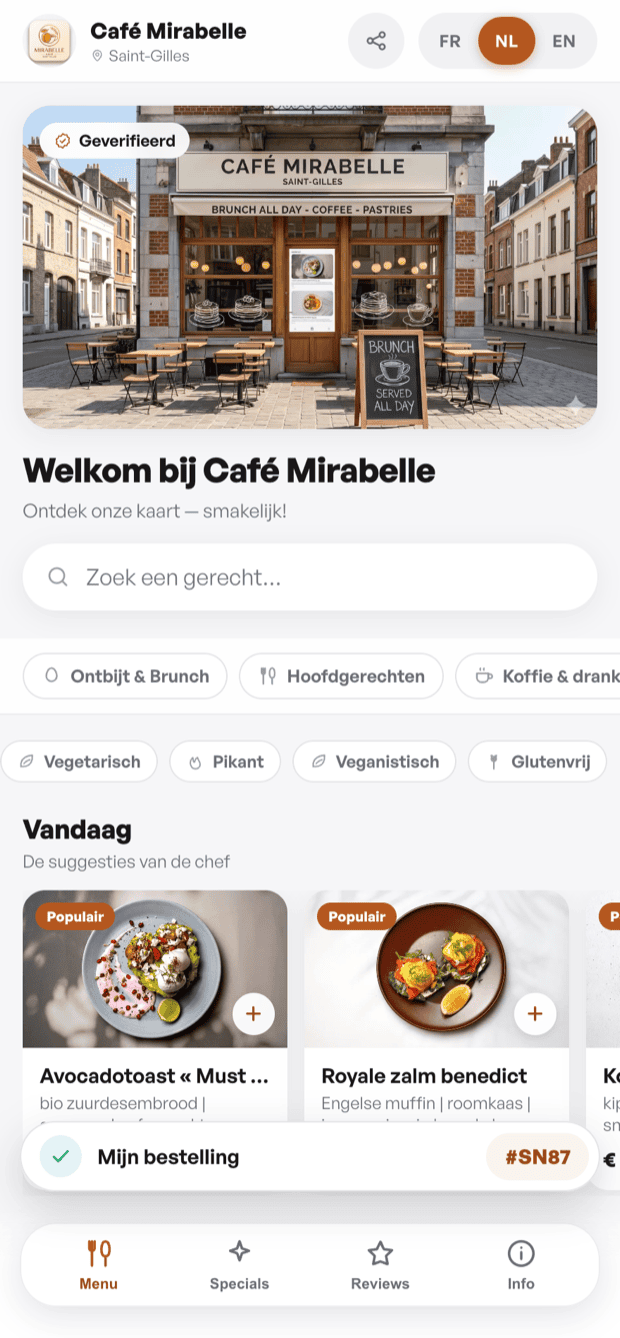
Until your menu is published only you can see it. Click « Publish » in the top bar: if this is your first publication a sign-up form appears to create your qartine account. Once published, your menu is immediately accessible to your guests via a public link and a scannable QR code.
Your public link and QR code
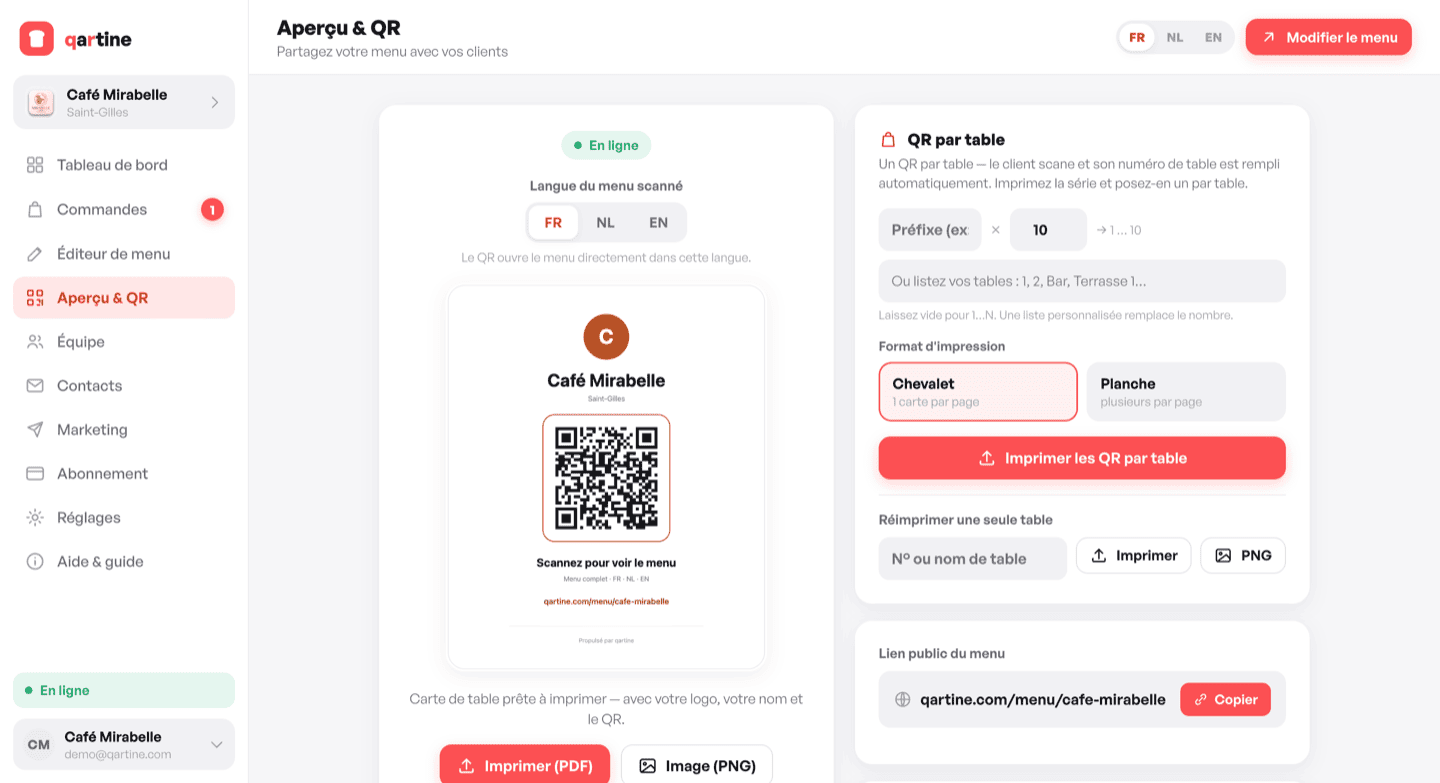
In the « Preview & QR » section of your dashboard you will find your public link (e.g. qartine.com/menu/your-venue) and a preview of the QR card with your name and accent colour. Download it as PDF to print or as PNG for social media.
Per-table QR codes
When table ordering is enabled a « QR per table » section appears. Enter an optional prefix and the number of tables: qartine generates a series of numbered QR codes. Print the whole set as tent cards or in a grid with one click. You can also print or download the QR for an individual table.
With Pro, you can also print the cards straight from your table plan (« Print QR cards »): one card per table, with each table's exact name.
Sharing and unpublishing
- Copy the public link from the link card in « Preview & QR ».
- Open your menu directly in a new tab to share it with a guest or partner.
- To take your menu offline, go to Settings › Danger zone › Unpublish. The URL becomes inaccessible until the next publication.