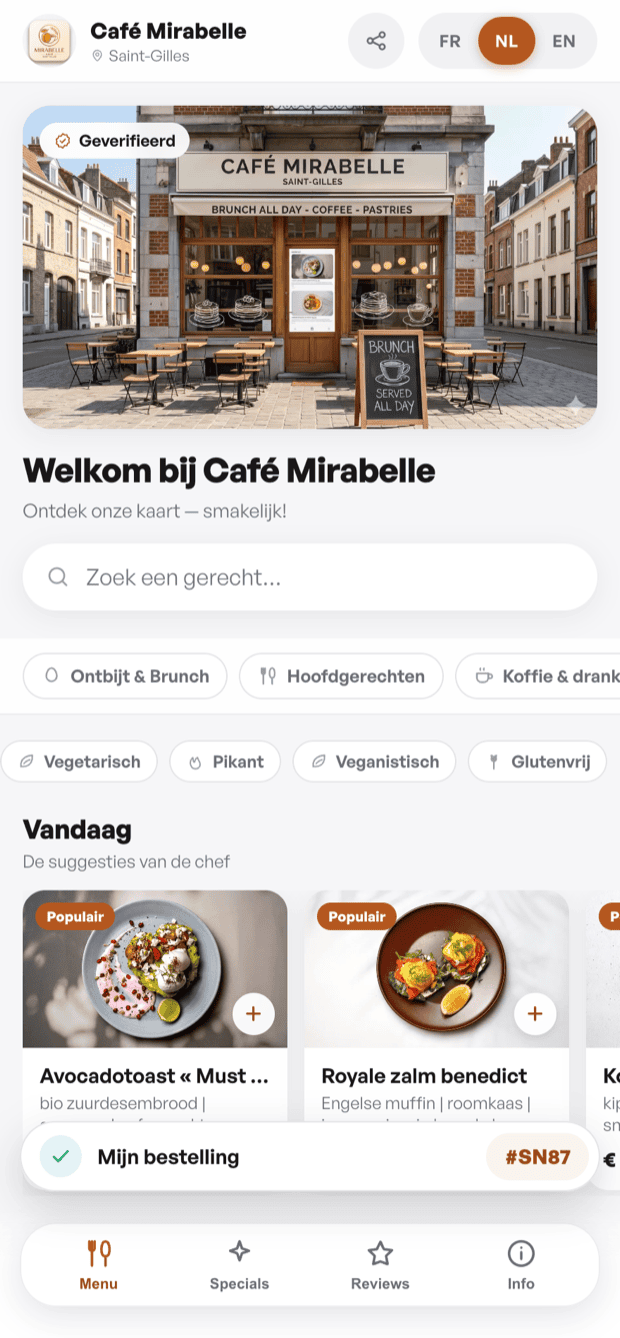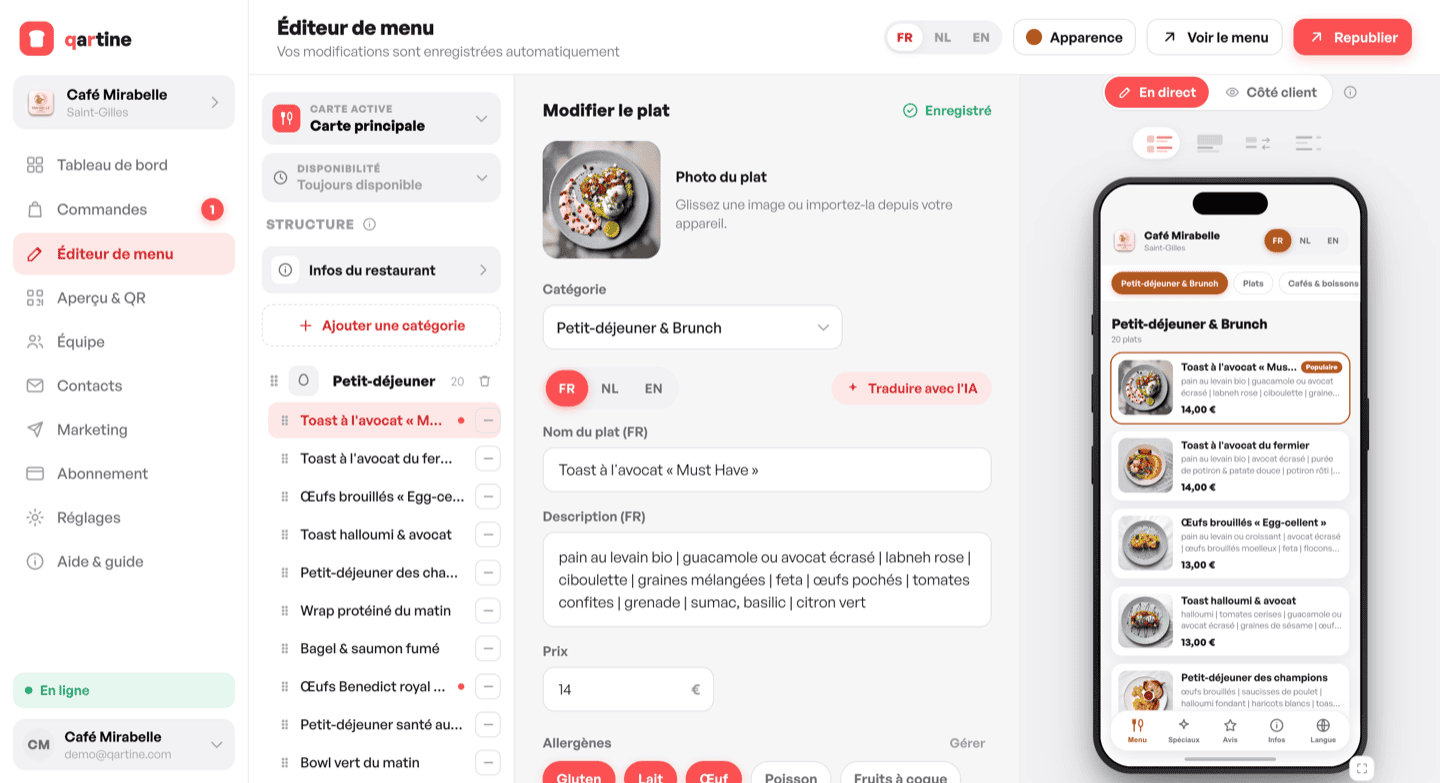
The qartine menu editor is split into three panes. On the left the structure tree lists your categories and dishes. In the centre the edit form shows the details of the selected dish or category. On the right a phone preview updates live with every change you make.
Adding categories and dishes
Click « + Category » in the structure tree to create a section (starters, mains, desserts, drinks…). Then select the category and click « + Dish » to add an item. Give it a name, description and price.
Photos, allergens and dietary badges
From a dish's edit form, upload a photo directly from your device. Tick the allergens present from the 14 regulatory allergens, and assign badges such as Vegetarian, Vegan or Gluten-free. This information is displayed clearly on your guests' menu.
Theme and layout
In « Preview & QR », choose from seven accent colours and four layouts: List, Cards, Choice and Minimal. Every change appears immediately in the phone preview. Your edits save automatically; click « Publish » to push them live.
Multiple menus (Pro)
With the Pro plan you can create multiple menus for the same venue — a festive menu, a summer menu, a lunch menu. Switch between them from the selector at the top of the structure tree. On the Essentiel plan only one menu is available.
Allergens and dietary filters
Tick the allergens present in each dish: gluten, lactose, nuts, eggs… They appear discreetly on the dish card. Add diets too (vegetarian, vegan, gluten-free, halal…): guests switch on a filter and see only the dishes that suit them.
Sizes, extras and options
Create option groups for each dish — say 'Size' (Small / Large) or 'Extras' (bacon, cheese). Set whether the choice is single or multiple, and whether it's required. Each option can add a supplement (+ €2) and be marked sold out in one click. If you like, add a calorie count (kcal) per dish too.
Time-based menus
Give each menu its availability windows (days + times): breakfast until 11am, the lunch menu midday, the dinner menu after. qartine switches over automatically, and guests only see what's servable right now.