Table QR codes: size, placement and printing (a practical guide)
Your QR menu is live but nobody scans it? The problem is almost always the QR code itself: too small, badly placed, glossy, or with no call to action. The simple rules for a table QR code that scans first time.
A good table QR code is at least 3 cm wide, printed black on a light, matte background, keeps a white margin all around, and sits in plain view on every table with a line such as 'Scan to view the menu'. Test it with an iPhone and an Android phone, under your dining-room lighting, before printing the whole set.
Plenty of owners put their menu online, put a QR code on the tables… and notice a few weeks later that almost nobody scans it. The menu is almost never the problem. The QR code is: too small, hidden behind the water jug, printed on glossy paper that throws back the light, or left on its own with no word about what it's for. Here are the simple rules that make the difference.
The right size: the 1-in-10 rule
A phone reads a QR code reliably as long as the distance is no more than about ten times its width. At the table, the guest scans from 30–40 cm: a 3 to 4 cm code is enough, and 4 to 5 cm leaves headroom for an older phone or a dim room. Below 2 cm, many devices struggle. On a window or poster read from a metre away, go to 10 cm or more. Mind the encoded address too: the shorter it is, the fewer tiny squares the code has, and the more readable it stays at the same size.
| Placement | Scan distance | Minimum size |
|---|---|---|
| Table, table tent | 30–40 cm | 3–4 cm |
| Counter, till | 50–60 cm | 5–6 cm |
| Window, front door | 1 m | 10 cm |
| Poster, pavement sign | 2 m | 20 cm |
Contrast, white margin and matte paper
- Dark on light: black or a very dark colour on a white or cream background. Avoid a light code on a dark background, which some phones read poorly.
- A white margin all around: the QR standard (ISO/IEC 18004) calls for a quiet zone four modules wide — four of the small squares. Don't butt a logo or border up against the code.
- Matte, not gloss: glossy paper or lamination reflects the spotlights and blinds the camera. Choose a matte lamination, which also stands up to stains.
- No distortion: on a curved surface (a glass, a bottle) the code warps and reads poorly. Stick to a flat surface.
Where to put the QR code on the table
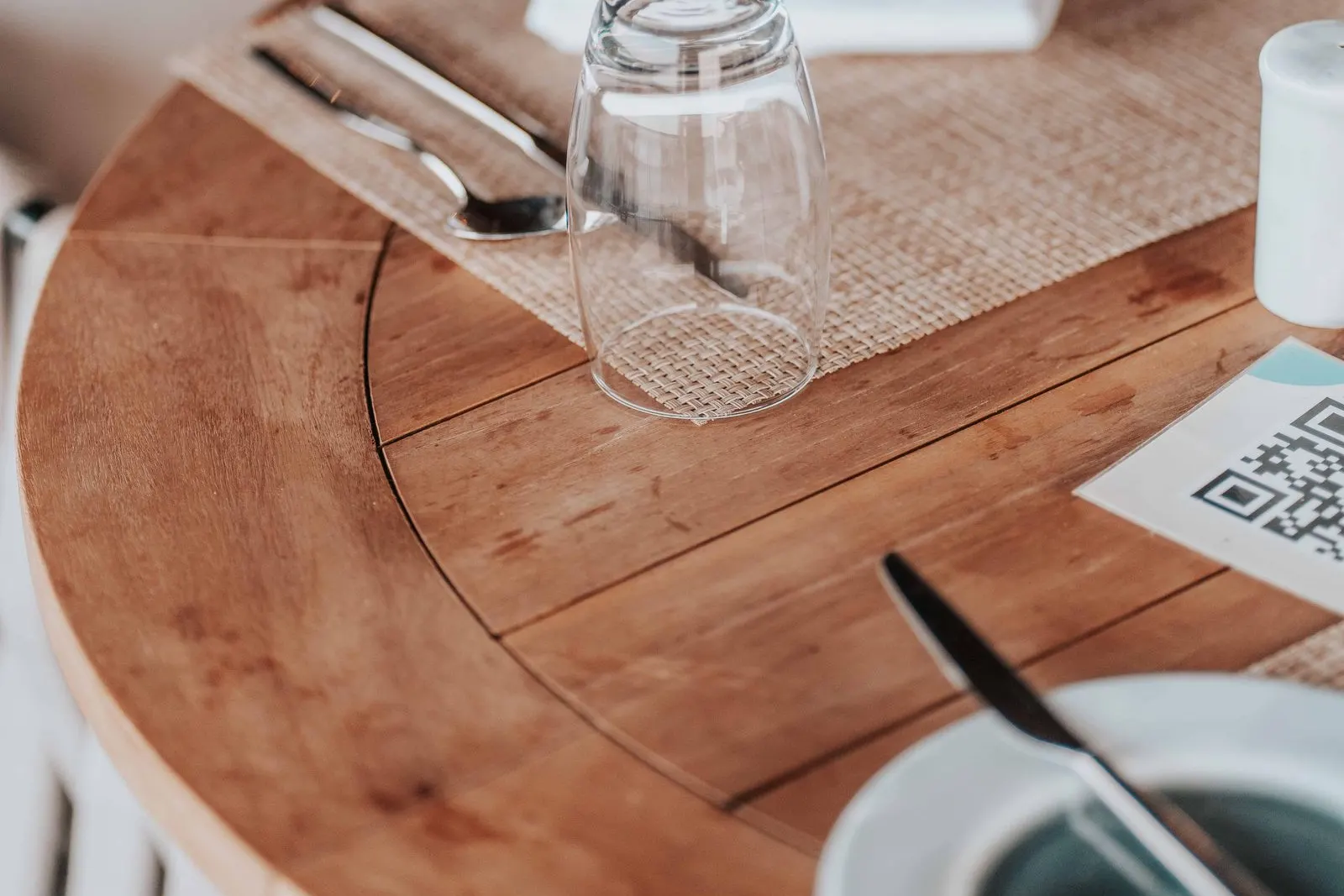
Guests should see the code as they sit down, without moving anything. A small upright table tent, in the middle or on the wall side, works better than a flat sticker: it stays visible once plates arrive and scans without leaning over. A sticker on the tabletop ends up under a plate or glass and scratches quickly. A simple rule: one code per table, always in the same spot, so regulars know where to find it. On a long table, put one at each end.
Think beyond the tables too: a QR code in the window or on the door lets passers-by read the menu before coming in, and one at the counter serves guests waiting for a takeaway order. On a terrace, pick a weighted or fixed stand that won't blow away and can take the rain.
Always add a call to action
A bare QR code is a riddle: menu, Wi-Fi, reviews, payment? Add a short, clear line just above it — 'Scan to view the menu', or 'Scan to order' if guests order at the table — and, if you serve an international crowd, list the languages available. Print the menu's address in full under the code too: it helps the guest whose camera won't cooperate.
Test before you print the whole set
Print a single copy and put it on a real table, during service, under the usual lighting. Scan it with the camera of an iPhone and an Android phone, from the furthest seat, with no app. If either hesitates, make the code bigger or switch to matte paper. Once the set is out, check now and then that no code is stained or peeling, and keep an eye on the scan count: a number stuck at zero almost always means a code that isn't on the tables, or that nobody can see.
With qartine
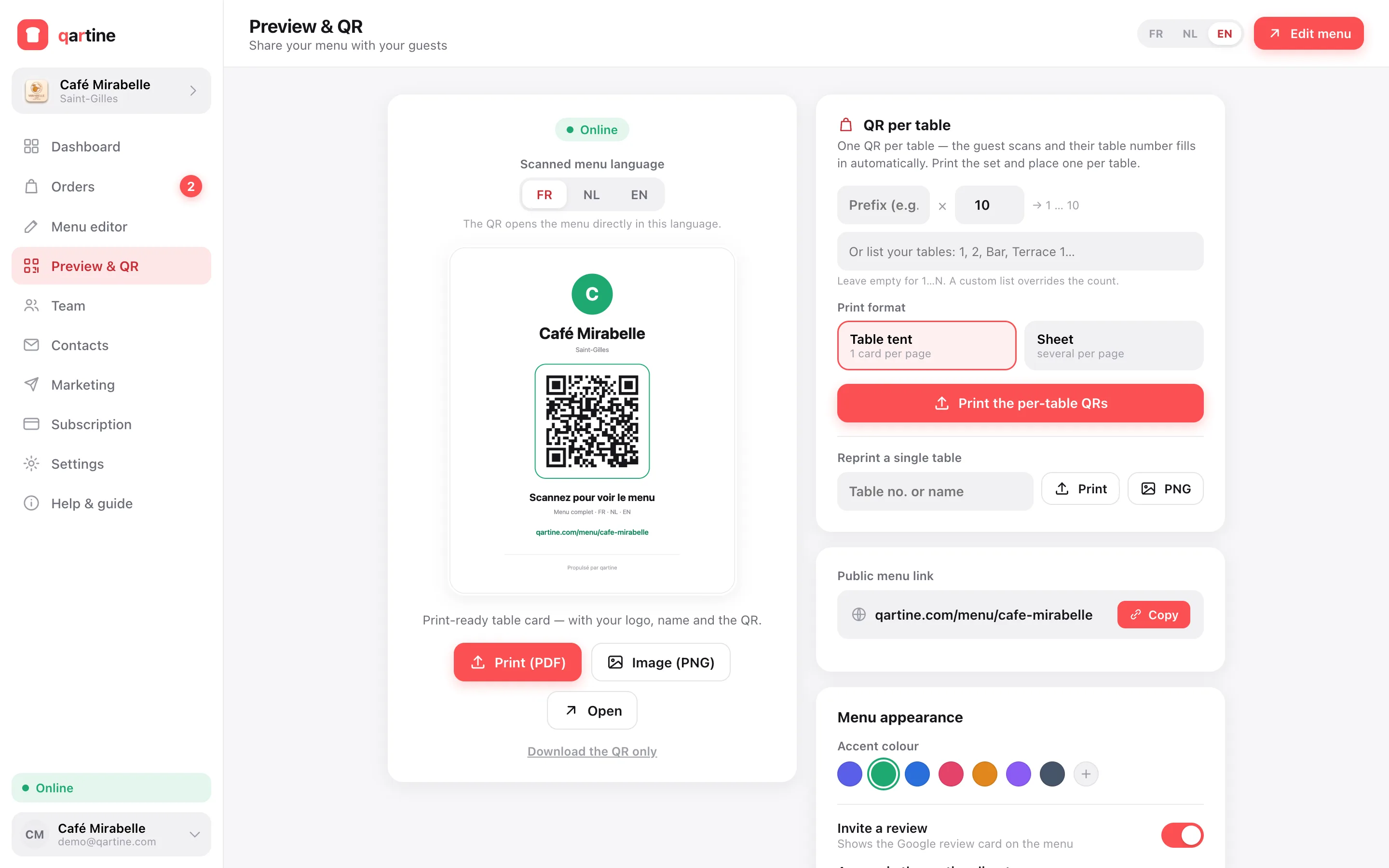
In qartine, the Preview & QR screen produces a print-ready table card with your logo, the call to action in the language of your choice (French, Dutch or English), the QR code and the menu address in full. If guests order at the table, generate one code per table — the number shows on the card and travels with every order — then print the set in one click, one card per page to fold into a table tent, or several per page to cut out. The dashboard then counts scans, so you can check your codes are doing their job.
Frequently asked questions
- What size should a QR code on a table be?
- At least 3 cm across, ideally 4 to 5 cm. The rule of thumb: scanning distance is at most about ten times the code's width. A seated guest scans from 30–40 cm, so 3 to 4 cm is enough; for a window read from 1 metre, aim for 10 cm.
- Do I have to reprint the QR code when I change my menu?
- No. The QR code only holds your menu's address, and that address doesn't change. You edit dishes and prices online; the same QR code always shows the current version. You only reprint a damaged code.
- Does a coloured or inverted QR code work?
- A dark colour on a light background, yes, as long as the contrast stays strong. A light code on a dark background (inverted) is misread by some phones and apps, so avoid it on your tables.
- Is one QR code per table useful?
- Only if guests order from their phone: each code then carries its table number, and the order reaches the kitchen with the right table. For simply viewing the menu, the same QR code on every table is enough.