
Taking table orders with a QR code
How to enable table ordering from your QR menu: per-table QR, live kitchen reception, and takeaway orders paid on pickup.
QR code ordering at the table works like this: every table carries its own QR code, the guest scans, chooses on their phone and confirms; the order lands live in the kitchen with the table number. The guest installs no app, and payment happens at the counter or the table as usual.
Beyond displaying the menu, a QR menu can take orders. The guest scans, picks their dishes and sends the order, which arrives live in your dashboard.
One QR code per table
Generate a distinct QR per table: the table number auto-fills on the order, and your staff immediately knows where to serve. You print the whole series at once.
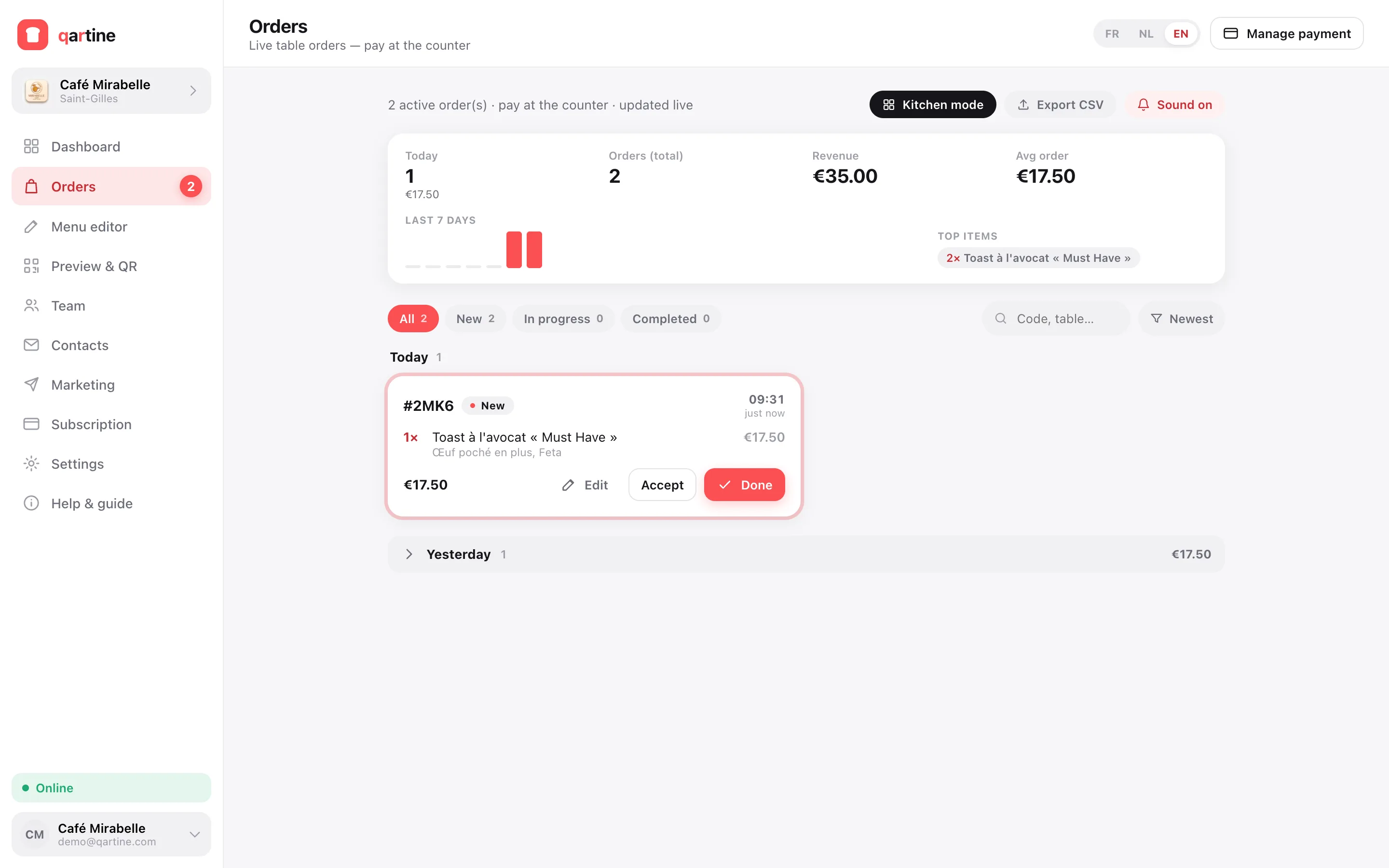
Kitchen reception and full-screen mode
Orders arrive with a sound alert and a full-screen kitchen mode. Payment happens at the counter: no online-payment friction, no per-transaction commission.
Takeaway orders
Enable takeaway too: the customer orders from the menu and pays on pickup. Each order shows the name, phone and an estimated prep time.