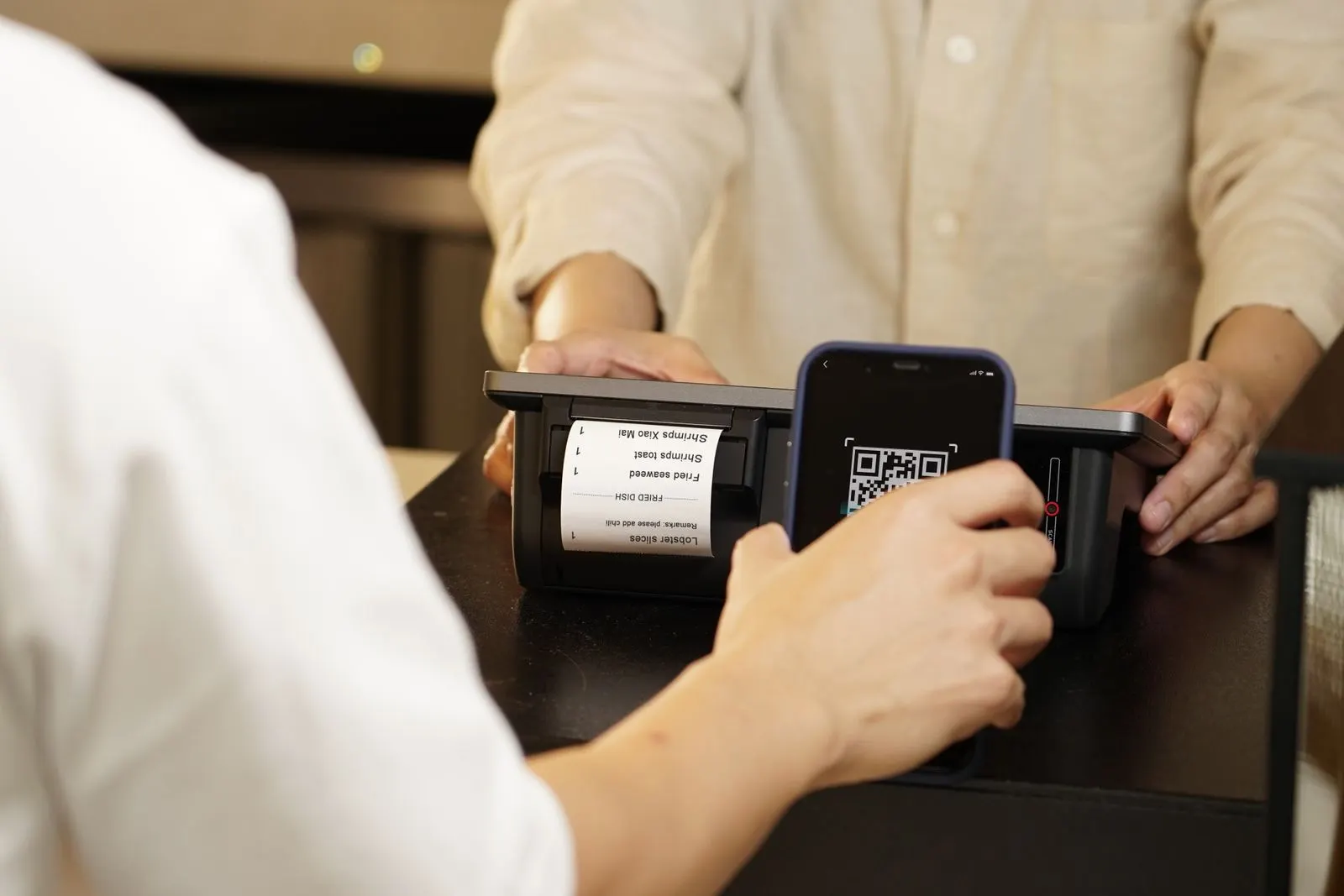
QR menu with no app: your guests just scan
Do guests need to download an app to read a QR menu? No. Here's why a QR menu opens in the browser, with no install, and what that means for your guests.
It's the first worry of almost every owner discovering QR menus: 'will my guests have to install something?' The answer is no. A QR menu isn't an app: it's just a web page that opens with one scan. Here's why, and what it changes for you and your guests.
No app to install
A QR code contains nothing but a web address. When a guest scans it with their phone camera, the browser — Safari on iPhone, Chrome on Android — opens your menu page, exactly as if they typed a website address. Nothing downloads, nothing installs, nothing takes up the phone's storage. It's the same technology behind every website your guests visit each day. That page works on every smartphone released in the last ten years, with no brand-specific exceptions.
Why it's better for the guest
- Instant: the menu appears in a second, with no trip to an app store or download to wait for.
- No storage used: nothing is saved on the phone, unlike an app.
- No account: no sign-up, no email to hand over, no password to remember.
- No permissions: the menu asks for no contacts, no location, no notifications.
- Works first time, even for a tourist discovering the place who leaves again tomorrow.
And for you, the owner
No app makes your life simpler too. There's no listing to publish on the App Store or Play Store, no approval to wait for, no separate version to maintain for iPhone and another for Android. Your menu is a web page: you edit it in the editor and the new version is online immediately, visible at the next scan. A sold-out dish disappears in seconds, a price is corrected without reprinting anything. Where an app would require an update the guest must download themselves, your QR menu is always current, for everyone, live.
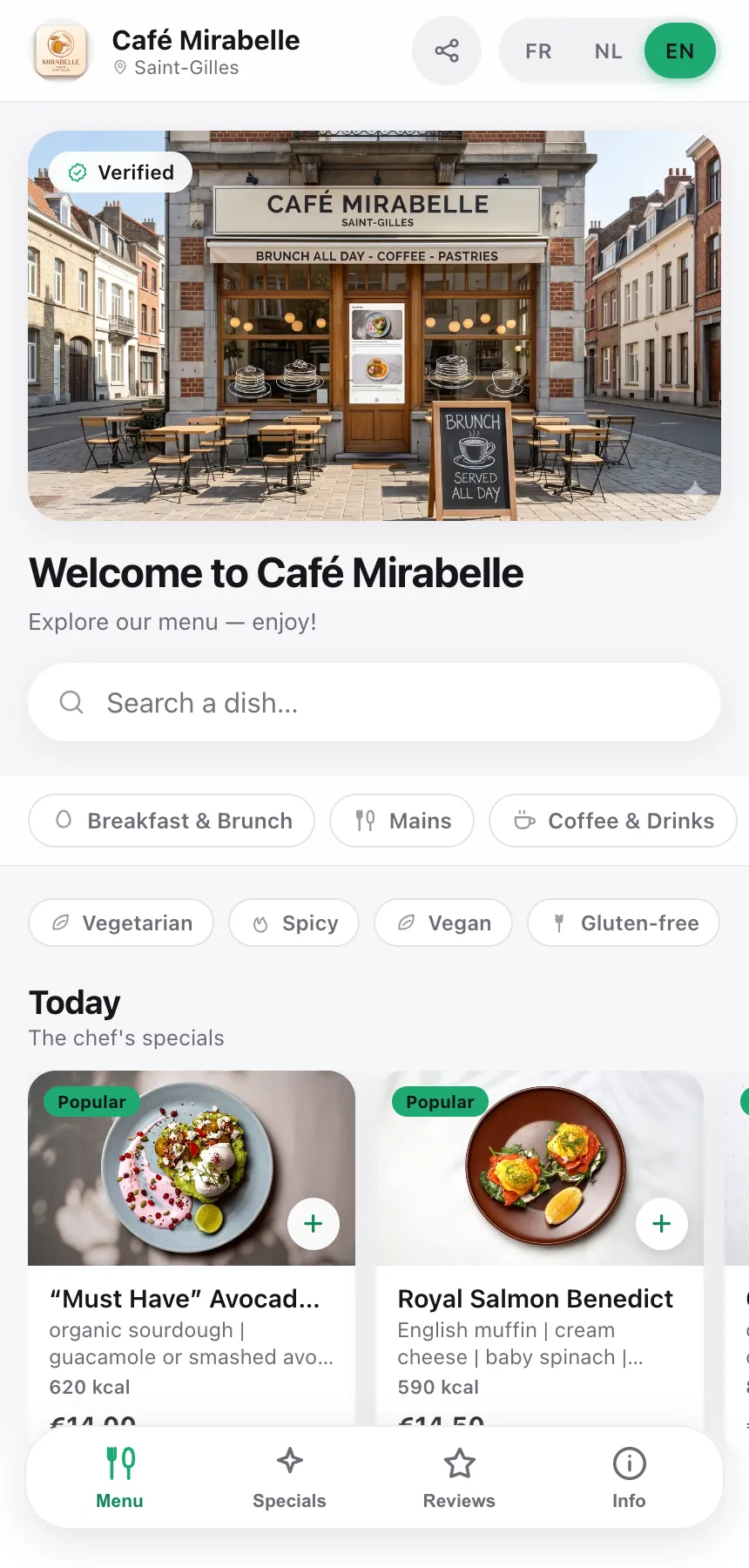
How it works, step by step
The guest's journey is three gestures. They open the camera on their phone and point it at the QR code on the table or counter. A notification appears at the top of the screen; they tap it and the browser opens your menu address. The menu appears, in their language, with photos and up-to-date prices. If you've generated one QR per table, the table number is already filled in — handy if the guest orders, because your staff instantly knows where to serve. No intermediate step, no form: they look, they choose, and they order if they want to.
Frequently asked questions
- Do my guests have to download an app?
- No. The menu opens straight in the phone's browser (Safari, Chrome), like any website. There is nothing to install.
- Does it work on iPhone and Android?
- Yes. The camera on any recent smartphone — iPhone or Android — recognises the QR code and offers to open the link. No third-party app is needed.
- Do you need an account to view the menu?
- Never for the diner. They scan, read and optionally order — no sign-up, no email, no password.